
What Is a Summit County Court Docket
A docket is the case history. It is the ordered list of every event in a case, kept by the court and the clerk. Each line is one entry. An entry can be a filing, an order, a hearing, a service return, or a fee. The docket tells you what happened and the date it happened. It is the spine of the file. A user who opens a Summit County case in the clerk's index sees the docket first, then can dig into the parts behind it.
A docket entry is not the same as the document itself. The entry is the case-history line that shows something was filed or done. The document is the actual paper, such as the motion, the order, or the judgment. The public search may show a docket description like motion, order, summons issued, judgment entry, or service return. To read the full document, you may need to request a copy. Some documents are redacted, sealed, or simply not online.
The county splits its records by division. Civil Common Pleas dockets, felony criminal dockets, domestic relations dockets, and Court of Appeals dockets do not all live in one identical screen. Probate and the municipal courts keep their own systems entirely. So the first step in any docket search is to match the case to the court that holds it.
How to Find Summit County Dockets Online
Most Summit County dockets are reached through the Summit County Clerk of Courts. The clerk runs a free public index, and you do not need an account to look. The search opens on a division selector at the Summit County Clerk of Courts case search. From there you pick Civil, Criminal, Domestic, Court of Appeals, or Naturalization. Each division has its own search menu. The clerk warns the public to use only its official site, since a fake site once copied its name.
To pull a docket, follow these steps.
- Open the official clerk division selector and pick the division that fits the case.
- Choose a search type. You can search by name, by case number, or by a mixed search using date plus judge, case type, and document type.
- Enter your terms. For a name search, civil needs at least the first 2 letters of the last name and criminal needs at least 3. For a case number, keep the division format, such as CV 1999-01-0001 for civil.
- Open the case and read the docket entries in date order, then request a copy of any document you need.
The clerk recommends online access for records from 2002 to the present. For older cases, use the public records request form. If the session times out, the page shows a "Session Expired" notice; just return to the division selector and start over.
Docket Search by Date, Judge, and Type
The mixed search is the best tool for docket research. It is built to find filings by date plus judge, case type, or document type rather than by a single name. The civil version and the criminal version share the same idea but differ in their fields. Both require a date. The form takes a month or a day, but not both at once. A month uses MM/YYYY. A day uses MM/DD/YYYY. The table below lists the civil mixed search fields and what each one does.
| Field | Required | Notes |
|---|---|---|
| Month Search | Month or day | Enter MM/YYYY; rejects an invalid month. |
| Day Search | Month or day | Enter MM/DD/YYYY; cannot be used with a month. |
| Judge Name | Conditional | Dropdown of current and former judges. |
| Case Type | Conditional | Foreclosure, judgment lien, contract, malpractice, and more. |
| Document Type | Conditional | Affidavit, motion, order, judgment entry, summons, writ, and more. |
| Search | Yes | Submits the docket search. |
| Clear Form | No | Resets all fields. |
For civil and domestic cases, the form expects at least a document type, a judge, or a case type along with the date. The criminal mixed search is a bit tighter. It needs a date and either a document type or a judge. The criminal judge dropdown is long and lists many active and past judges. The case type field is hidden on the criminal form. Pick fields that narrow the result, or the search can return a long list.
Note: a mixed search can return many entries for a busy month, so a date plus a judge or a specific document type gives the cleanest docket list.
Sample Summit County Docket Entry
Each docket entry is a short line with a few parts. Read them together and a single line tells you a lot. The date sets the timeline. The event type names what happened. Some entries close a case, like a judgment entry, while others just move it along, like a notice or a continuance. The table below breaks down the common parts of a Summit County docket entry and what each one shows.
| Field | What It Shows |
|---|---|
| Entry Date | The date the filing or event hit the docket, searchable by month or day. |
| Event Type | The kind of entry, such as complaint, motion, order, summons issued, or judgment entry. |
| Party Filing | Which side acted, such as plaintiff, defendant, the State of Ohio, or the court itself. |
| Document Link | A pointer to the actual filing, which may need a copy request to view in full. |
| Service Status | Whether papers were served, by certified mail, process server, or regular mail. |
| Disposition | The outcome line, such as a judgment, dismissal, plea, or sentence. |
Some entries carry plain legal shorthand. A line reading "Summons Issued by Certified Mail" means the court sent the case papers. A line reading "Satisfaction of Judgment" means a money judgment was paid. The clerk's own docket vocabulary even includes a "Redacted Information Provided Pur. Sup. R. 45" entry, which shows that Ohio's redaction rule shapes what the public actually sees on a line.
Courts That Publish Dockets in Summit County
Ohio builds its trial courts around the Court of Common Pleas, and Summit County dockets follow that split. The General Division hears felony criminal cases and major civil suits. Domestic Relations handles divorce and family matters. Above the trial courts sits the Ninth District Court of Appeals. The clerk posts dockets online for the divisions it keeps, while Probate, Juvenile, and the municipal courts run their own systems.
- Common Pleas, General Division publishes civil and felony criminal dockets through the clerk's online index.
- Domestic Relations Court dockets cover divorce, dissolution, custody, support, and protection orders, reached through the clerk's Domestic division.
- Ninth District Court of Appeals dockets, the appellate court for Summit County, appear in the clerk's Court of Appeals division.
- Probate and Juvenile Courts keep separate dockets; Probate uses its own eServices portal, and Juvenile records are restricted by law.
- Akron, Barberton, and Stow municipal courts handle most traffic and misdemeanor dockets through their own clerks.
The General Division also runs problem-solving dockets that pair court oversight with treatment. The screenshot below comes from the Summit County specialty courts page.
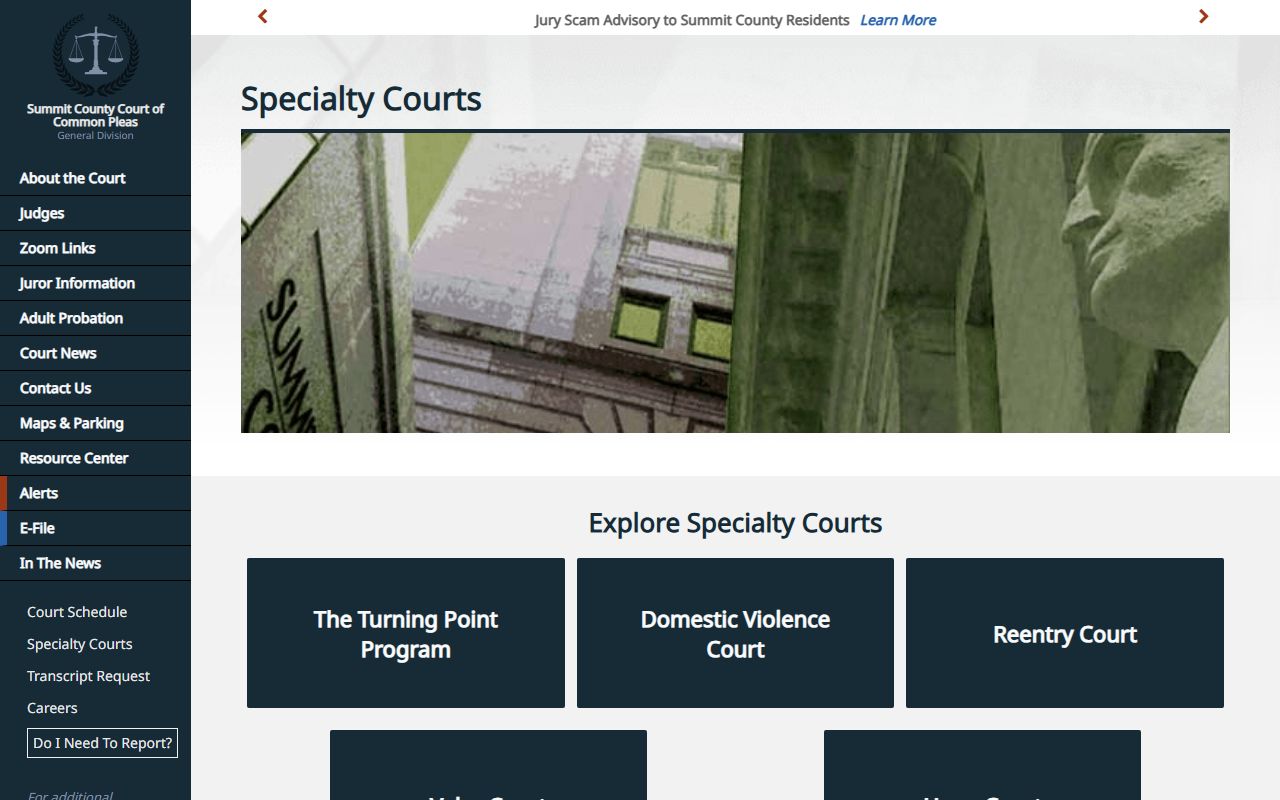
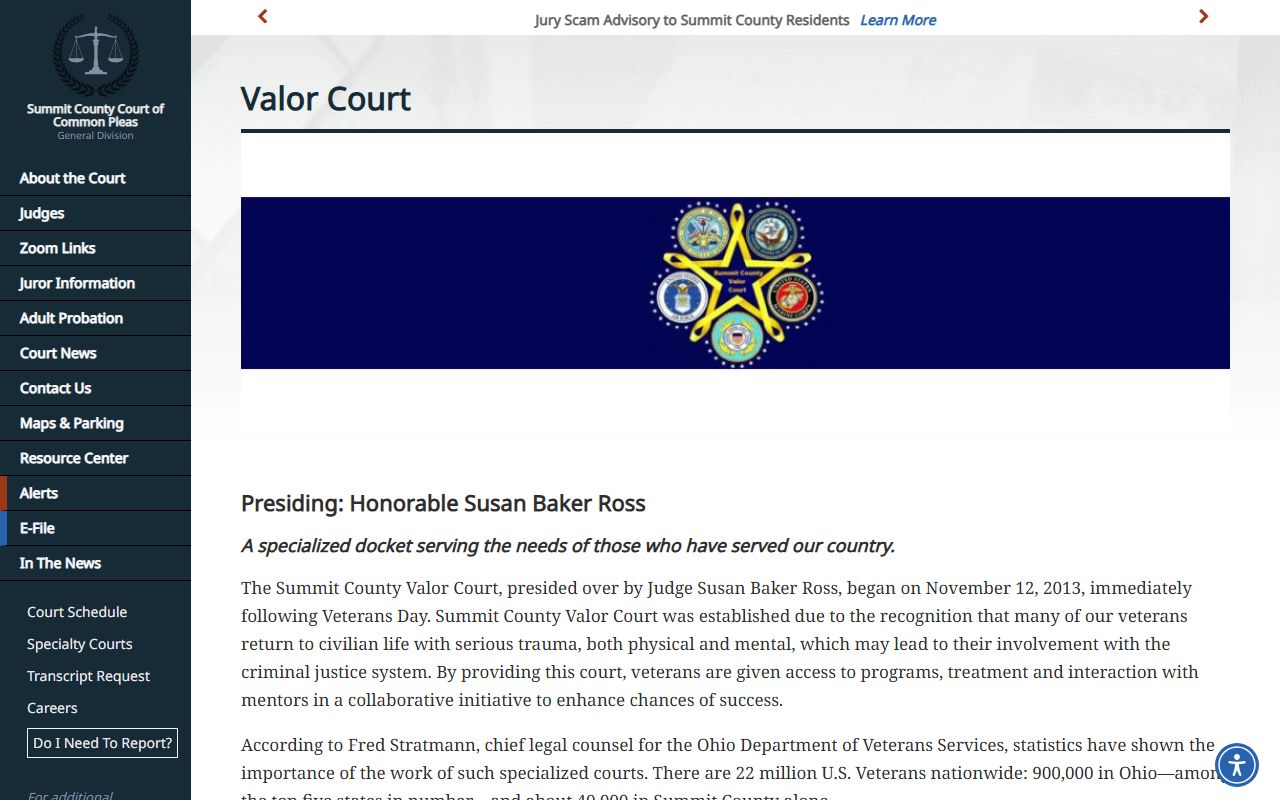
These specialized dockets are real dockets too. Each one tracks a defendant's progress through review hearings, treatment steps, and court orders. Valor Court is the county's veterans treatment docket. The image below is the Summit County Valor Court page.
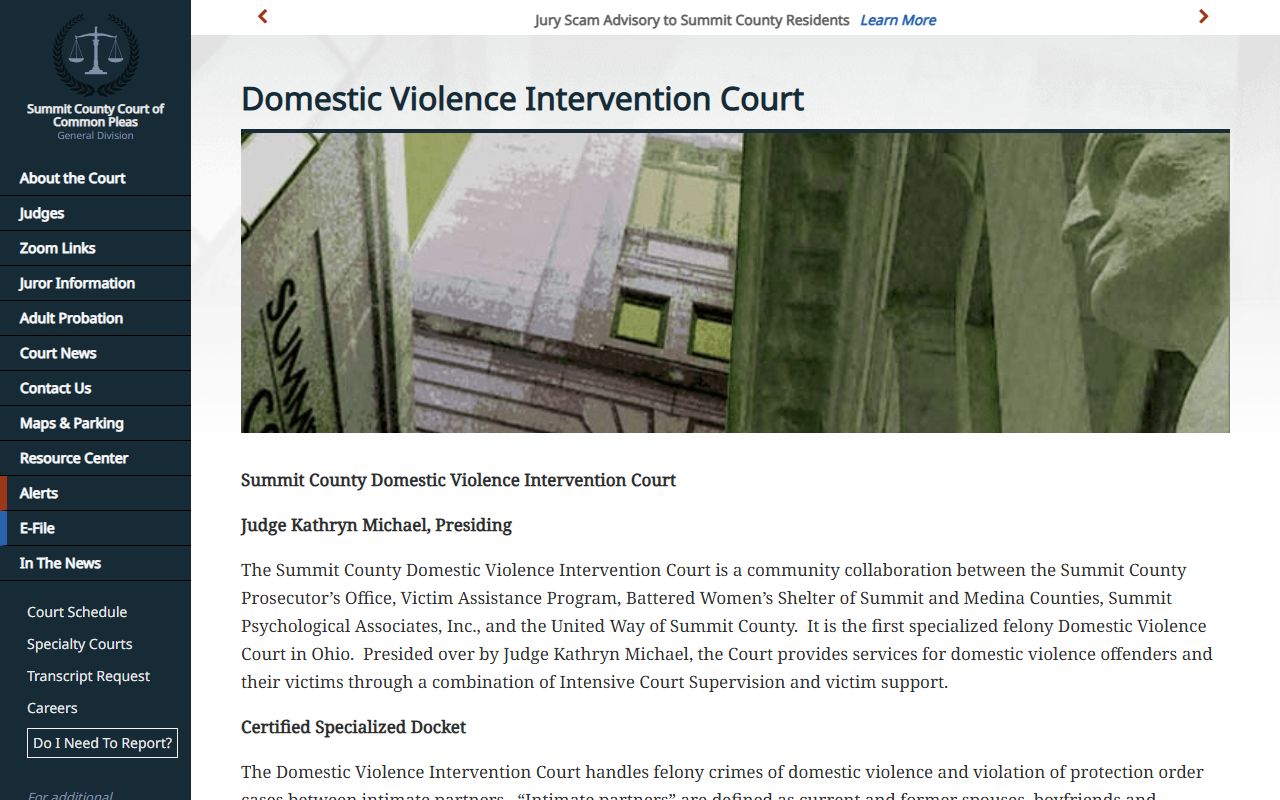
The Domestic Violence Intervention Court is another certified specialized docket. It handles felony domestic violence cases with intensive court supervision. The screenshot below is the Domestic Violence Intervention Court page.
Docket vs. Full Case Record
People mix up the docket and the case file, but they are not the same thing. The docket is the index of events. The full case record is the stack of actual documents behind those events. A docket line might read "Motion Filed." The full record holds the motion itself, with its arguments and exhibits. The docket is a map. The file is the territory. For most quick checks, the docket is enough. For legal review, you need the documents.
| Docket | Full Case Record | |
|---|---|---|
| Format | List of dated entries | Full documents and exhibits |
| Access | Often online and free | May need a copy fee or a visit |
| Use | Track case progress and dates | Legal review, filings, evidence |
| Where | Clerk's online index | Clerk Legal Division or a copy request |
For the full file, see Summit County court records. Looking online is free. Copies are not. The clerk charges 10 cents a page for plain copies and docket printouts, and one dollar a page for certified copies. Certified copies cannot be emailed. A certified copy is the clerk-authenticated version you need for an official filing, not the plain printout you pull off the screen.
How to Read a Summit County Docket
Court dockets use shorthand, and a few terms trip people up. A charge is not a conviction. A person can be charged, then have the case dismissed, pleaded down, or found not guilty. The disposition line gives the result. Two dismissal terms cause the most confusion. "Dismissed with prejudice" means the case is over for good and cannot be refiled. "Dismissed without prejudice" means it can come back.
Other lines point to court orders. Words like capias and bench warrant both mean an order to bring a person to court, often after a missed hearing. A few common docket terms are worth knowing.
- Docket entry
- A single dated line showing one filing or event in the case.
- Judgment entry
- The court's written decision, often the line that ends the case.
- Disposition
- The outcome of a charge or case, such as a plea, dismissal, or sentence.
- Continuance
- A postponement of a hearing to a later date.
- Service
- The formal delivery of court papers to a party.
One docket line can also link two systems. The clerk's civil docket vocabulary includes a "Search By Judgment Lien Case No." path and entries like satisfaction of judgment, execution, and garnishment. A judgment lien is a civil record used to enforce a money judgment against property, so these docket lines matter for debt collection and title work. For criminal dockets, follow the case from indictment through plea to sentencing on the criminal records side.
Note: an online docket can lag the counter by a day or two, so confirm a court date, bond, or deadline with the clerk before you rely on it.
Sealed Cases and What Shows on a Docket
Not every case appears on a public docket. Sealing and expungement change what the clerk's index can show. When a court seals a record, it removes the case from ordinary public view and deletes the index references. So a sealed case may not show up in a normal docket search at all. Juvenile, adoption, and mental-health matters are restricted by law and stay closed to the general public.
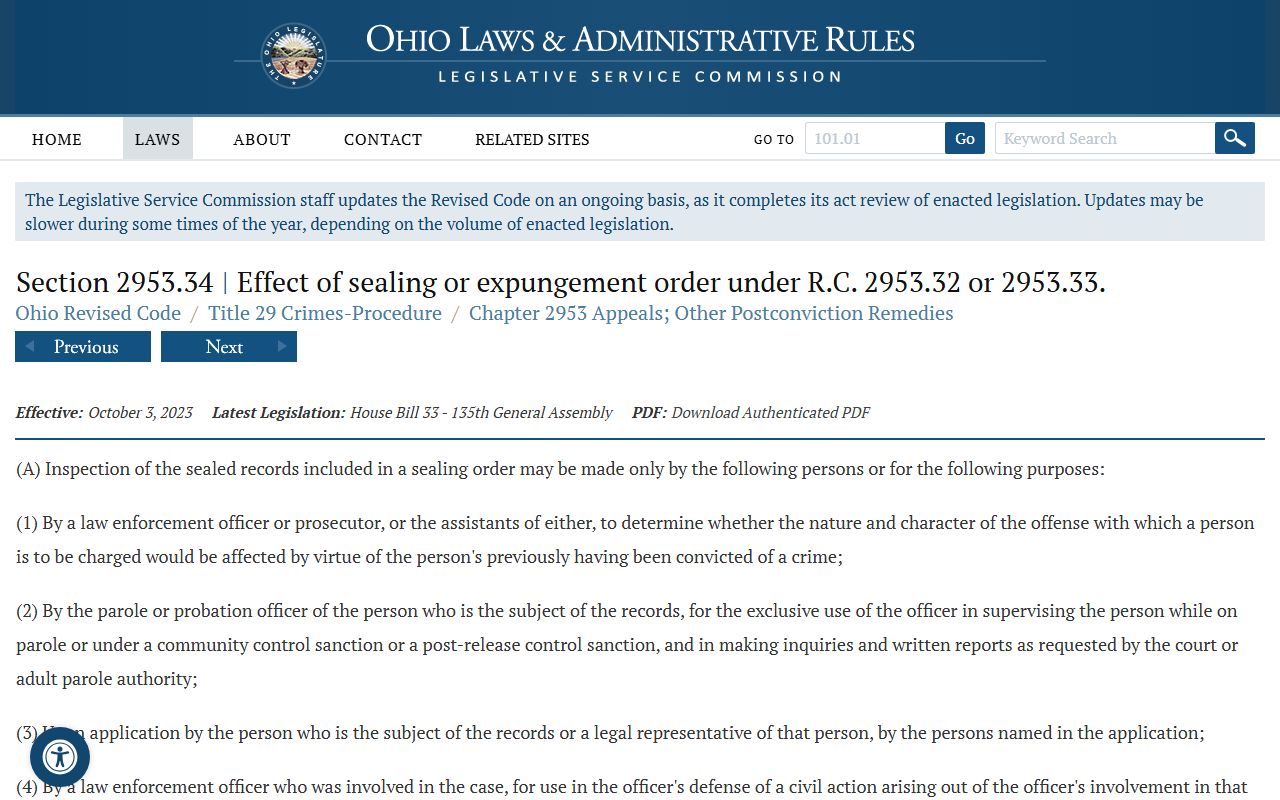
Ohio law still lets specified agencies and uses reach a sealed record under set rules. The screenshot below is the Ohio Revised Code page for the effect of a sealing or expungement order.
If you expect a case but cannot find its docket, absence from the online index does not prove that no record exists. The case may predate online coverage, sit in another division, be municipal rather than Common Pleas, or be indexed under a different name. When in doubt, ask the clerk division that holds the file.
Summit County Clerk of Courts Contact
The Clerk of Courts keeps the docket and answers records questions for the Common Pleas General Division, the Domestic Relations Court, and the Ninth District Court of Appeals. The current clerk is Tavia Galonski. The Legal Division counter sits in the courthouse annex in downtown Akron and opens earlier than the courts it serves. Use the card below to reach the office that holds most county dockets.
Clerk of Courts, Legal Division
205 S. High Street
Akron, OH 44308
330-643-8082
Mon-Fri 7:30 a.m.-4:00 p.m.
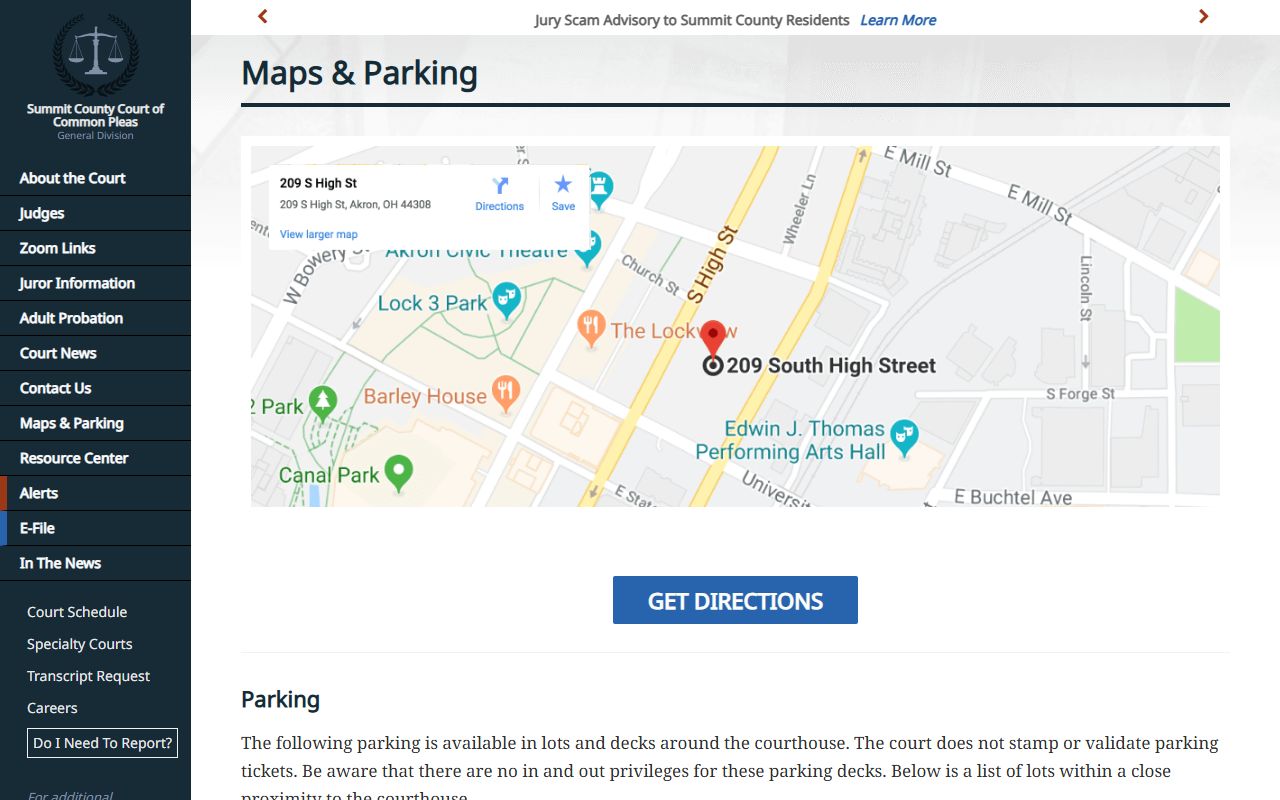
If you plan to visit for a hearing or to pull a file, check the courthouse map and parking first. The screenshot below is the Summit County Common Pleas maps and parking page.
For court-by-court contact details, see the Court of Common Pleas page and the Clerk of Courts page. Traffic and minor cases sit in the municipal courts; those dockets are covered on the traffic court records page.